TRXBUBU · Guides
My New TRON Wallet Has an Address. Why Can’t It Send USDT Yet?
You have just created a TRON wallet and can see an address beginning with T, but you cannot send USDT. First separate three questions: is the on-chain account activated, does the sending address hold the correct USDT, and are the required transaction resources available?
Published
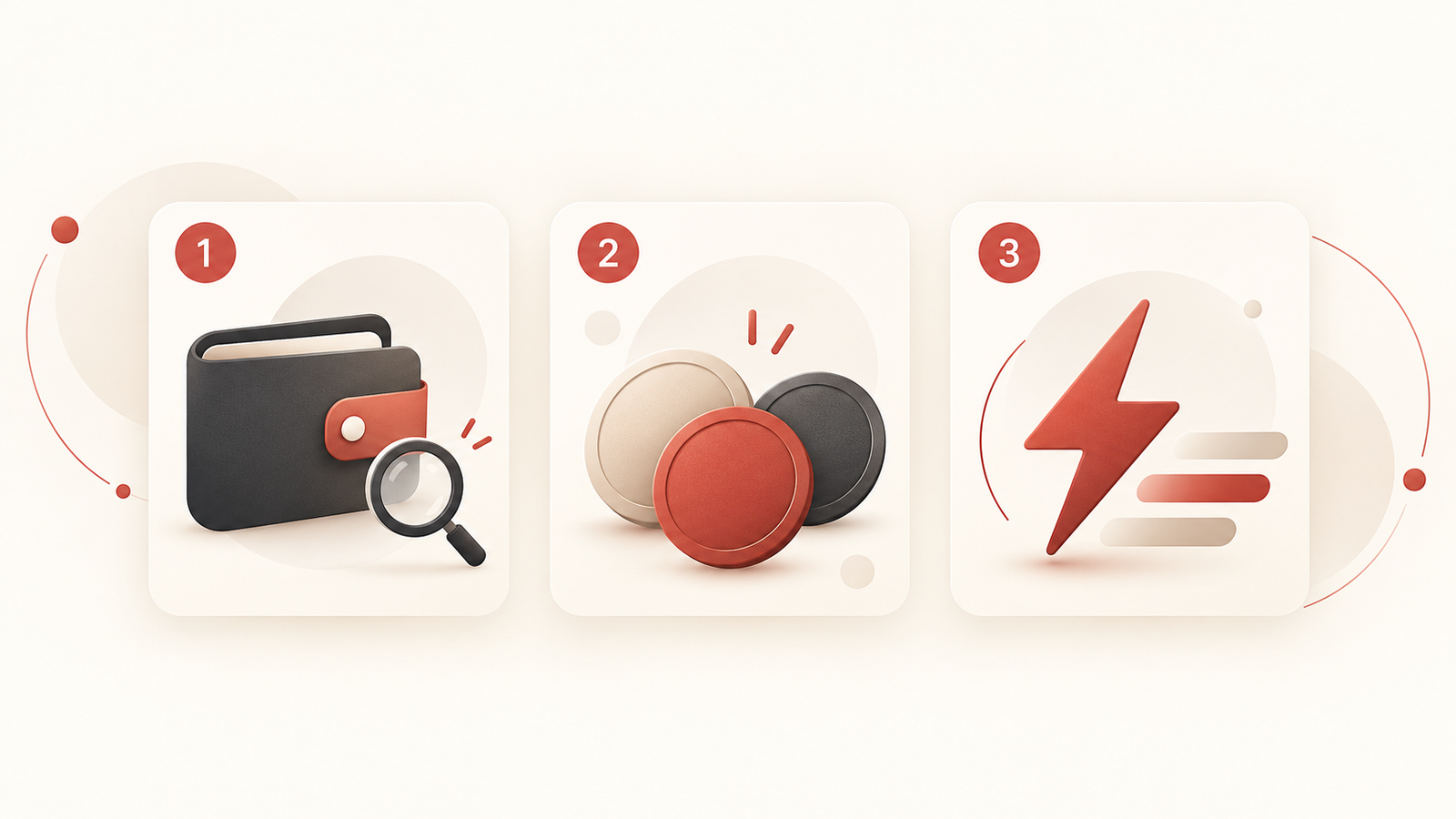
These problems require different responses. “The address has no USDT” does not automatically mean “the account is inactive”; an activated account does not necessarily have enough Energy. Identify the layer causing the problem before choosing your next step.
1. Having an address does not mean the on-chain account is activated
A wallet can generate keys and an address locally. According to the official TRON account documentation, local address generation and on-chain account activation are separate stages.
The documented standard activation methods include receiving TRX or TRC10 from an existing account, or using an on-chain account-creation operation. Follow your wallet’s official activation guidance and confirm the network, address and current fees. This article is not a step-by-step wallet tutorial and does not guarantee that a fixed amount of TRX will always be enough.
If your wallet or a block explorer temporarily cannot find the account, check the address, network and query service first. One unsuccessful query does not establish that the account is inactive.
2. No USDT does not mean the account is inactive
On-chain account status and token balances are different information. An activated account may have no USDT. A wallet displaying a USDT item also cannot replace an account-status check.
This distinction matters when reading TRXBUBU Check’s estimate: it estimates the Energy and Points needed for the next transfer from the receiving address’s current official USDT conditions. It does not test whether a new account is activated.
Do not interpret an estimate saying that the recipient currently has no USDT as proof that the recipient account is inactive. If the tool cannot retrieve information, keep the result unknown rather than treating it as a zero USDT balance. An estimate based on the recipient’s conditions does not prove that your sending wallet has enough resources.
3. Ask three questions to identify what needs attention
| What do you need to confirm? | What should you check? | Next step |
|---|---|---|
| Is the on-chain account activated? | Your wallet’s official account-status guidance and reliable block-explorer data for the correct network | Resolve account status before proceeding; buying resources does not replace this check. |
| Does the sending address hold the correct USDT? | Your actual sending address, the TRON network and the correct token balance | Verify assets and network first; a token icon with the same name is insufficient. |
| Are the sending resources sufficient? | Available Energy, Bandwidth and TRX in the sending wallet, together with this recipient’s conditions | Consider a suitable service only after confirming that resources are the issue. |
The official TRON resource documentation distinguishes Energy used for smart-contract execution from Bandwidth used for transaction data. Activating an account does not prepare all resources for every subsequent transaction; shortages may still consume TRX.
If you have already submitted a transaction, use the existing transfer-troubleshooting FAQ to check the original TXID. That is a transaction-result question; do not infer an already-submitted transaction’s outcome solely from account activation status.
4. Choose a service after confirming account and payment prerequisites
Check account activation through your wallet’s official guidance first. Buying Energy or Points is not a way to determine whether the account is activated.
If the account is usable, you meet the selected service’s payment prerequisites and only occasionally need Energy, view the current Rental options and quote. Rental currently uses native TRX, and the address paying TRX receives the Energy. Pay from the self-custody TRON wallet that actually needs resources, not an exchange withdrawal address. Having only USDT does not mean you can pay this TRX rental charge.
For frequent transfers from the same address, review BuBu Points and current conditions directly. Minimum-use and initial resource-preparation conditions depend on the current plan. See the existing same-address Energy planning guide for the full frequency comparison. Activating a Points plan and activating a TRON on-chain account are different things.
Renting resources does not make all on-chain fees disappear or guarantee that a transaction will succeed. Choose a service only after confirming that your problem is within its scope.
Frequently asked questions
Is every address beginning with T activated?
No. Address format and on-chain account status are different; check the actual data on the correct network.
Does a receiving address with no USDT mean it is inactive?
You cannot draw that conclusion. Account status and TRC20 token balance are different information, and Check’s estimate is not an activation test.
Can renting Energy activate an account?
Account activation and obtaining Energy are separate steps. Whether a rental succeeds does not determine whether an account is activated. Follow your wallet’s official guidance to confirm account status, then assess resource needs.
Why might sending USDT still require TRX after activation?
Activation only addresses account status. Sending still involves Energy, Bandwidth and potential TRX costs when resources are insufficient. Each selected service also has its own payment currency and prerequisites.
Next step: confirm the account, then assess the requirement
If account status is unclear, consult your wallet’s official guidance first. After confirming that the account is usable, use Check to estimate recipient conditions and verify sending resources inside your own wallet.
If you meet the payment prerequisites and only need Energy occasionally, view Rental. For frequent same-address transfers, consider whether Points fit. Confirm all operations in your own wallet. You do not need to give a website or anyone else your private key, recovery phrase or wallet password.
Mechanism information checked: October 31, 2026. On-chain parameters, wallet interfaces and service conditions may change; consult current official information and service pages before acting.