TRXBUBU · Guides
USDT TRC20 vs ERC20 vs BEP20: Check the Network and Fees Before You Send
Ready to send USDT, but faced with TRC20, ERC20 and BEP20 options? First confirm which asset and network the recipient accepts, then compare the fees for this transfer. The same USDT name does not mean you can choose any network, and a lower fee does not replace a compatibility check.
Published
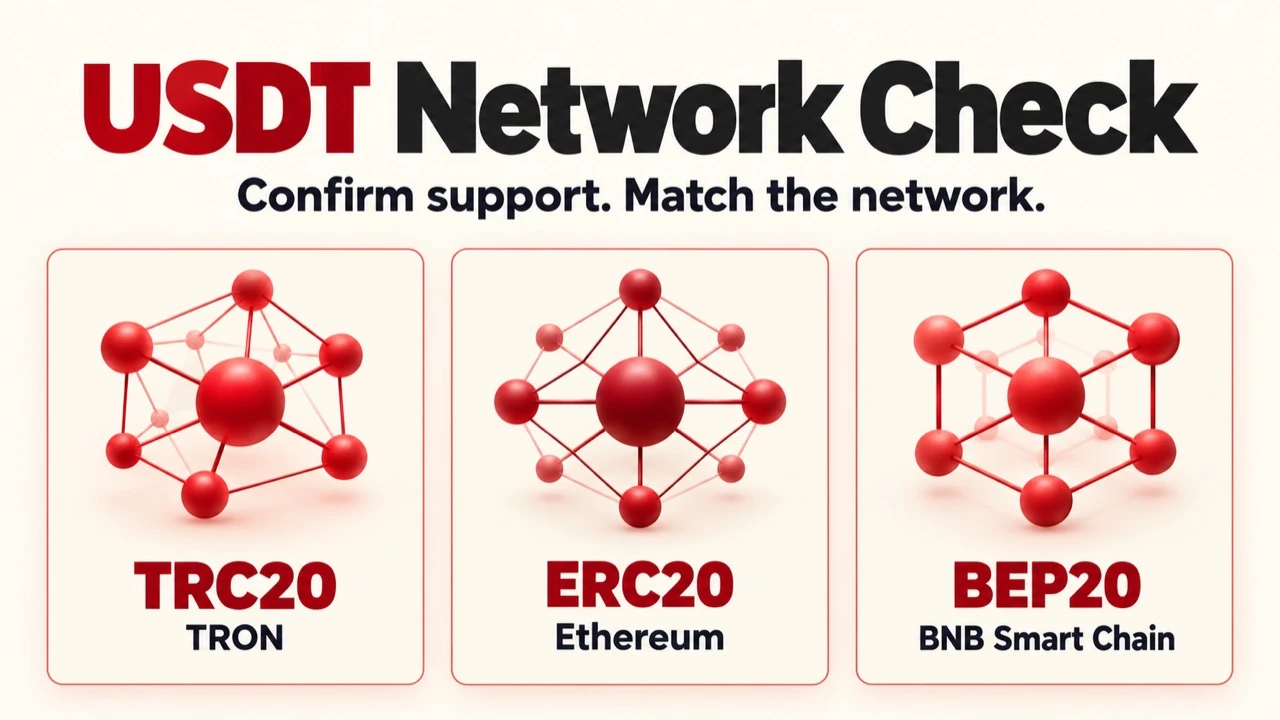
This guide covers what to check before sending. If you have already sent the funds, save the original transaction's TXID and read the guide to transfer times and deposit status. Do not send another transfer just because the balance has not updated.
Check the receiving side before choosing a sending network
Use the recipient's official wallet or the platform's asset page to confirm the asset, supported network and current receiving address. Then select the same network on the sending side. For an exchange, also check that asset's deposit restrictions, minimum amount and any service suspension.
Do not rely on the USDT name alone or judge solely by how an address looks. A seemingly compatible address format does not mean the recipient will accept or credit the asset on your chosen chain. An ordinary transfer does not automatically convert an asset on one chain into a version on another. OKX's official network-selection guide also requires the sending and receiving networks to match.
Three labels, three different transfer environments
TRC20: check the TRON network and its resources
Here, TRC20 means TRC20 USDT on TRON. A contract transfer uses Energy for computation and Bandwidth to record transaction data. If resources are insufficient, native TRX may be consumed under the network's rules.
Energy and Bandwidth have different charging rules. Renting Energy therefore does not mean every network cost is covered. Check the resources available in the sending wallet and its confirmation screen. TRON's official resource model explains their different purposes and charging mechanisms.
ERC20: confirm whether the network is Ethereum mainnet
The ERC20 comparison in this article refers to token transfers on Ethereum mainnet. For a typical transaction from a self-custody wallet, network gas is paid in ETH. The cost depends on the actual transaction and network conditions. Ethereum's official gas guide explains this fee mechanism.
ERC20 is a token standard, and related compatible standards are also used on other networks. Check the platform's label, the actual chain and the recipient's requirements individually. Seeing ERC20 or a similar-looking address is not enough to establish that both sides use the same chain.
BEP20: confirm BNB Smart Chain and the specific asset version
Here, BEP20 refers to BNB Smart Chain, commonly labelled BEP20 or BSC by platforms. A typical self-custody transaction uses BNB to pay gas on this chain. TRON Energy cannot pay that fee. BNB Chain's official introduction confirms BNB's role in paying gas.
For tokens with the same name, still check the issuer, contract and version accepted by the platform. If the asset is wrapped or bridged, confirm that the recipient accepts that specific version. Not every asset called USDT on every network can be treated as the same deposit option.
Supporting a chain does not mean accepting every asset with the same name on it
Check the issuer's information separately from the receiving platform's information. Tether's official list of protocols and contracts can help identify the specific tokens and networks it lists. Whether a platform accepts deposits of that asset depends on its current rules.
For example, the OKX network guide reviewed for this article distinguishes between deposit support for BNB and USDT on BSC. This shows why “the platform supports BSC” does not establish that every USDT asset on BSC can be deposited. Use the current asset page for your region, product and account. If anything is unclear, confirm it through official channels first.
Separate exchange withdrawal fees from self-custody transfer costs
When withdrawing from an exchange, check the withdrawal fee, minimum amount and expected amount received shown by the platform for that withdrawal. This is the charge for using that platform's withdrawal service. It is not the cost of performing the same on-chain action from your own wallet.
When sending from a self-custody wallet, check the gas or resources required by the selected network and the wallet's confirmation screen. Even if both screens call something a “fee”, do not assume they use the same pricing model.
If you rent TRON Energy, the rental charge is part of the cost of this transfer. Also check any remaining resource costs, including Bandwidth. A lower resource price alone does not establish that the whole transfer will be cheaper. TRXBUBU Energy Rental does not change an exchange's withdrawal fee and cannot pay gas on Ethereum or BNB Smart Chain.
How to assess two common situations
Situation 1: withdrawing from an exchange to your own wallet
First obtain the receiving details for the correct asset and network in your wallet. Then check the exchange's withdrawal network, address, fees and restrictions. If both sides do not support a common route, stop and confirm your options. Do not try a different chain just because its fee is lower.
Do not use an exchange withdrawal directly as payment for TRXBUBU Rental. Under the current Rental rules, Energy is delivered to the TRON address that pays the TRX. The address an exchange uses to send a withdrawal is not your personal sending wallet. See the official FAQ for these conditions.
Situation 2: sending TRC20 USDT from your own TRON wallet
After confirming that the recipient accepts the relevant TRON asset and network, check the Energy, Bandwidth and TRX in your sending wallet. Then estimate what this transfer needs.
TRXBUBU Check estimates Energy and Points needs using the receiving address's current USDT balance. It only needs a public receiving address, with no WalletConnect connection or private key. It does not verify every network and token version, read all resources in the sending wallet, diagnose an old TXID or guarantee a successful transfer.
For occasional Energy needs, check the current rental plans and quote. Follow the payment page's instructions and pay native TRX from the self-custody TRON wallet that needs the Energy.
If you frequently send from the same address, you can also learn about BuBu Points directly. You do not have to rent first to assess this option. Under the current rules, each active address has a minimum usage of 3 Points per 24 hours, and initial Energy preparation may use 2 Points. Assess the option against your actual usage and the current plan terms. Points do not mean unlimited use or a fixed cost per transfer.
Six final checks before you send
Have you confirmed the specific asset and network accepted by the recipient?
Have you selected the same network on the sending side, rather than just the same token name?
Does the receiving address come from the correct official wallet account or platform asset page?
Have you checked the current minimum amount, service restrictions, fee and expected amount received?
If sending from a self-custody wallet, does that wallet have the gas or network resources needed for this transfer?
Is there already a transaction with an unclear status whose original TXID you should check first?
For a TRON transfer you have not sent yet, confirm the receiving requirements and your own resources before deciding whether you need Check, Rental or Points. If you have already sent it, follow the original transaction to check the on-chain result and the receiving platform's records. Renting Energy will not convert networks, control platform crediting or automatically recover assets sent on the wrong chain.
If you cannot confirm the asset, network or original transaction's status, clarify it through the relevant platform's official channels first. Do not send another transfer to “push” the deposit through, and do not give strangers your private key, recovery phrase or wallet password.