TRXBUBU · Guides
Does Renting TRON Energy Require Wallet Authorization? Understand Addresses, Payments and Token Approvals
If a website, wallet or chat message asks you to “authorize” something before renting Energy, first find out what it is asking to do. Looking up a public address, receiving Energy, making a payment and allowing someone else to spend tokens are different actions.
Published
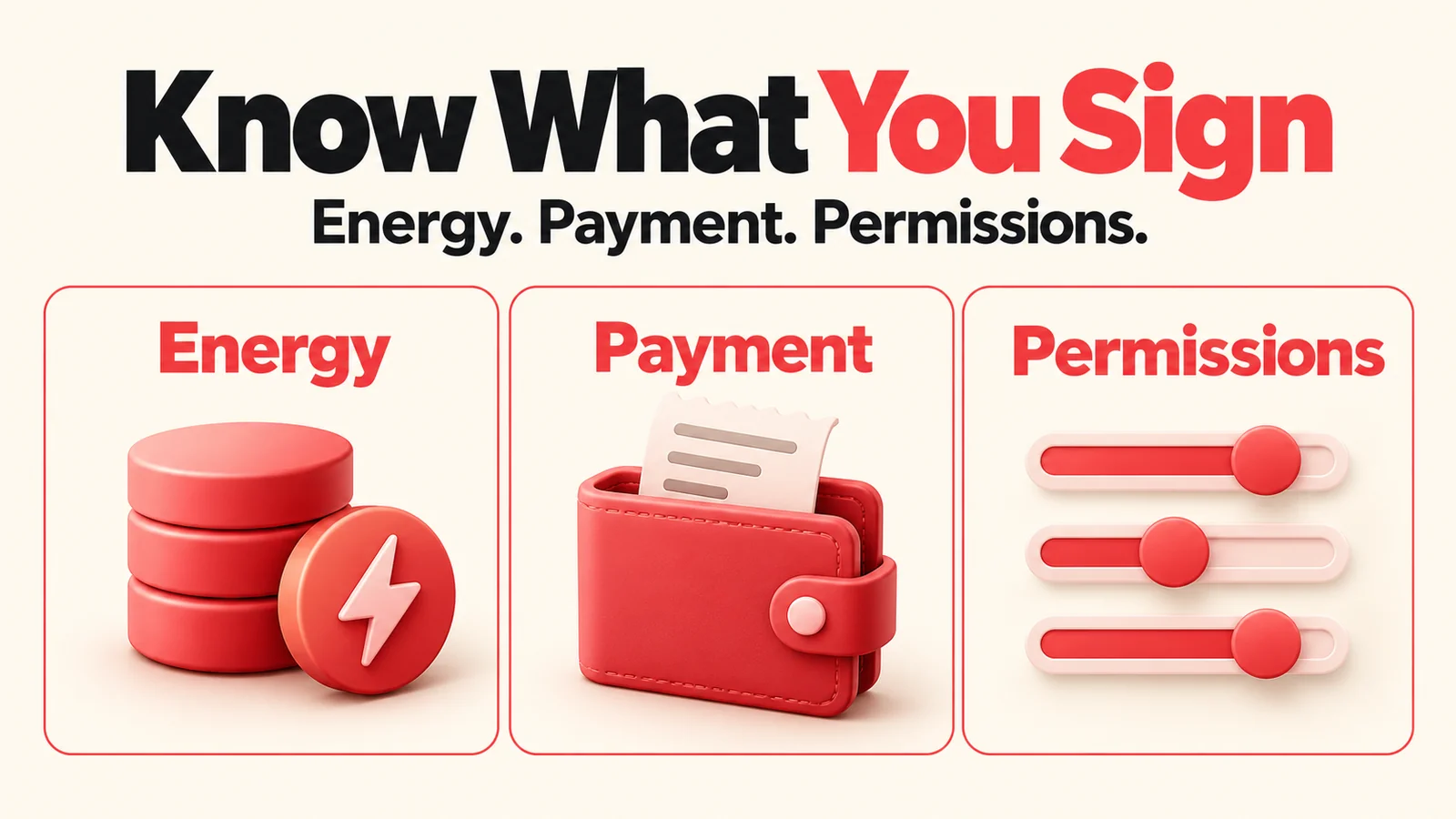
According to the official TRXBUBU FAQ, the current service does not require WalletConnect, a private key, a recovery phrase or a wallet password. You still make the payment in your own wallet. This does not mean payment transactions need no signature, or that every link, receiving address or signature request is safe.
Distinguish these five actions first
| What you are doing | What it means | What to check |
|---|---|---|
| Providing a public TRON address | Letting a tool look it up or identify it under the service rules | It is not a private key or a token-spending approval. Do not publish your private payment records alongside it. |
| Receiving delegated Energy | Giving the address access to network resources | Receiving resources is different from giving the provider permission to spend your USDT. |
| Signing your own payment | Sending the asset and amount for that payment through your wallet | Check the network, receiving address, asset, amount and wallet prompts. |
| Granting a token allowance | Allowing a specified spender to use tokens within an approved limit | This commonly involves TRC20 approve or allowance and differs from making one payment. |
| Changing account permissions | Changing which keys or combinations of signatures can operate the account | Changes to Owner or Active permissions are a different level of operation from receiving Energy. |
TRON's official resource-delegation guide explains that a staking account can let another account use Energy or Bandwidth while the original TRX remains with the staking account. This allocates resource usage; it is not the receiving account authorizing the provider to move its USDT.
Token spending uses a separate mechanism. The official TRC20 interface distinguishes transfer for direct transfers, approve for setting an allowance, and transferFrom for using an existing allowance. When you see an authorization request, identify the actual action and its scope, rather than relying on the button's name.
Connecting to a DApp, reading an address and requesting a transaction signature are also different actions. The official TRON DApp documentation describes them separately. Services may use different approaches. This article covers TRXBUBU's current public flow; it does not label every other service a scam.
What does TRXBUBU's flow ask you to do?
Estimate the need: enter a public receiving address
Check estimates the Energy and Points needed for a transfer using the receiving address's current balance of official USDT. It does not require you to connect your wallet.
The estimate does not show that the sending wallet already has enough resources. It is not a wallet security scan, a token-approval check or a failed-TXID diagnostic tool. Check Energy, Bandwidth and TRX at the sending address in your own wallet. If data cannot be retrieved, do not treat an unknown result as zero.
Need Energy occasionally? Pay native TRX from the wallet that will use it
On-demand Rental serves occasional or temporary resource needs. Under the current rules, Energy goes to the address that pays the TRX. Pay from the self-custody TRON wallet that actually needs the Energy, rather than an exchange withdrawal address.
Paying native TRX according to the current plan and quote is a payment. It is not permission for the website to make arbitrary deductions later. After receiving Energy, you still check and sign your next USDT transfer yourself. For the distinction between payment, delegation and available resources, see the TronLink resource-check guide after renting.
Send regularly from one address? Assess BuBu Points directly
BuBu Points let you prepay for Energy preparation for a specified address under the current plan. You do not have to choose a new short rental every time, or buy Rental before considering Points.
Automatic Energy preparation does not mean the website signs or sends USDT for you. Follow the payment page's instructions for TRON (TRC20) USDT, including the full amount, decimal places and payment window. The current FAQ requires payment within 15 minutes. Do not reuse an expired payment amount or pay again just because the screen has not updated.
Points do not expire. However, an address with the Points plan enabled has a minimum usage of 3 Points per 24 hours while active; a shortfall is still deducted. Initial Energy preparation may use 2 Points. This is neither unlimited usage nor a fixed cost per transfer, so assess it against your actual frequency. The guide to planning transfers from one address already covers frequent and occasional use. This article does not invent a transfer count at which the plan is guaranteed to pay for itself.
Read a wallet request before confirming it
“Confirm”, “Approve” or “Sign” may simply be button labels in your wallet. Check what the action actually does: sends an asset, sets a token allowance, signs other content or changes account permissions. Do not assume it is an ordinary payment just because the button says “Confirm”.
If it is a token approve request, identify the spender and allowance. Changes involving Owner or Active permissions, keys or signature thresholds concern account permissions. TRON's official account-permission guide explains that Owner has full control, including permission changes, while Active can have a defined scope. None of these terms is a synonym for receiving Energy.
TRXBUBU's current FAQ says wallet authorization is not required. If a page reached through an unfamiliar message asks for token-spending access or account-permission changes, do not sign yet; return to the official entry point and check. Do not share a recovery phrase or pay again to “unlock” something. If your wallet shows too little information to judge the request, clarify it through the wallet's and service's official information first.
Six checks before paying
Entry point: access the service through the TRXBUBU website. For Telegram, use the official link on the site. An unsolicited message is not proof of a support agent's identity.
Network and asset: Rental uses native TRX. Points uses TRON (TRC20) USDT as instructed on the current page. Confirm both the asset and network, rather than the token name alone.
Address roles: distinguish your sending wallet, the USDT recipient, the service payment address and the top-up address entered on the Points page. Rental sends Energy to its paying address; do not apply that rule to every service.
Request contents: check whether you are making a payment or also changing a token allowance or account permissions. Do not give a website or support agent your private key, recovery phrase or wallet password.
Current conditions: check the plan, duration, full amount and payment window, and confirm the paying wallet has the required assets and network resources. Energy rental does not mean costs such as Bandwidth are included.
Original transaction: if you have paid, keep the original transaction and payment page and check the result first. Do not send another payment because of a wait or an unchanged balance. Stop and clarify anything uncertain.
This is a pre-payment checklist, not a security certification or a guarantee that a transaction will succeed. For asset and network selection across TRC20, ERC20 and BEP20, see the guide to checking networks and fees before sending.
What if you have already signed an unfamiliar request?
Stop signing new unfamiliar requests or making supposed “unlock” top-ups. Keep the original request and transaction records. Use the wallet's official entry point to establish whether you signed a transfer, a token allowance or an account-permission change. Do not post wallet secrets on social media or enter them into a checking site supplied by a stranger.
TronLink's explanation of token-approval risks and its guide to malicious multisig permission changes can help explain the differences, but cannot replace checking the particular wallet. This article does not instruct you to change permissions or promise that revoking a setting will recover assets.
If the issue is simply that USDT you already sent has not been credited, use the original TXID to check the on-chain result and platform records, and read the guide to transfer times and deposit status. Energy rental is not a transaction accelerator or wallet-repair service.
Frequently asked questions
Does receiving Energy mean the provider can move my USDT?
Energy delegation and token-spending approval are different actions. Receiving resources is not itself an approve or an account-permission change. It also does not establish that the wallet's other existing approvals and permissions are safe; assess the actual settings.
Why must I confirm a payment in my wallet if WalletConnect is not required?
Sending TRX or USDT still requires your wallet's signature. TRXBUBU's current flow does not require connecting the website to authorize the wallet. Confirming a particular payment is different from giving the website an ongoing token allowance.
Is an Approve button always a malicious approval?
The button label alone is not enough. Identify the actual transaction type, counterparty and scope. For a TRC20 approve, check the allowance and spender. If the request differs from the payment you expected, or you do not understand it, do not confirm yet.
Will Points automatically deduct USDT from my wallet?
In the current public flow, you pay according to the purchase page and then use Points for Energy preparation under the plan. You do not need to authorize the website to deduct USDT for you. Points usage and wallet asset spending are different; automatic Energy preparation does not sign USDT transfers for you.
Do I have to rent once before buying BuBu Points?
No. If you frequently transfer from the same address, you can assess Points directly. Check the minimum usage while active and the initial preparation conditions. For occasional or irregular needs, assess Rental for the transfer at hand.
Can I follow a support message's “authorize to unlock” link directly?
Do not sign, provide a recovery phrase or pay through an unfamiliar link first. Check the actual problem using the official website and wallet documentation. An official entry point does not make a request for your private key or recovery phrase reasonable.
Next step: check the need, then choose a suitable service
Need to estimate resources for your next TRON USDT transfer? Estimate Energy needs using a public receiving address.
Frequent senders from the same address can assess Points directly, with fewer repeated short-rental selections. Rental remains an option for occasional or temporary needs. Whichever you choose, read the current payment details and service conditions first. “No wallet connection required” does not mean you can skip checking the transaction.